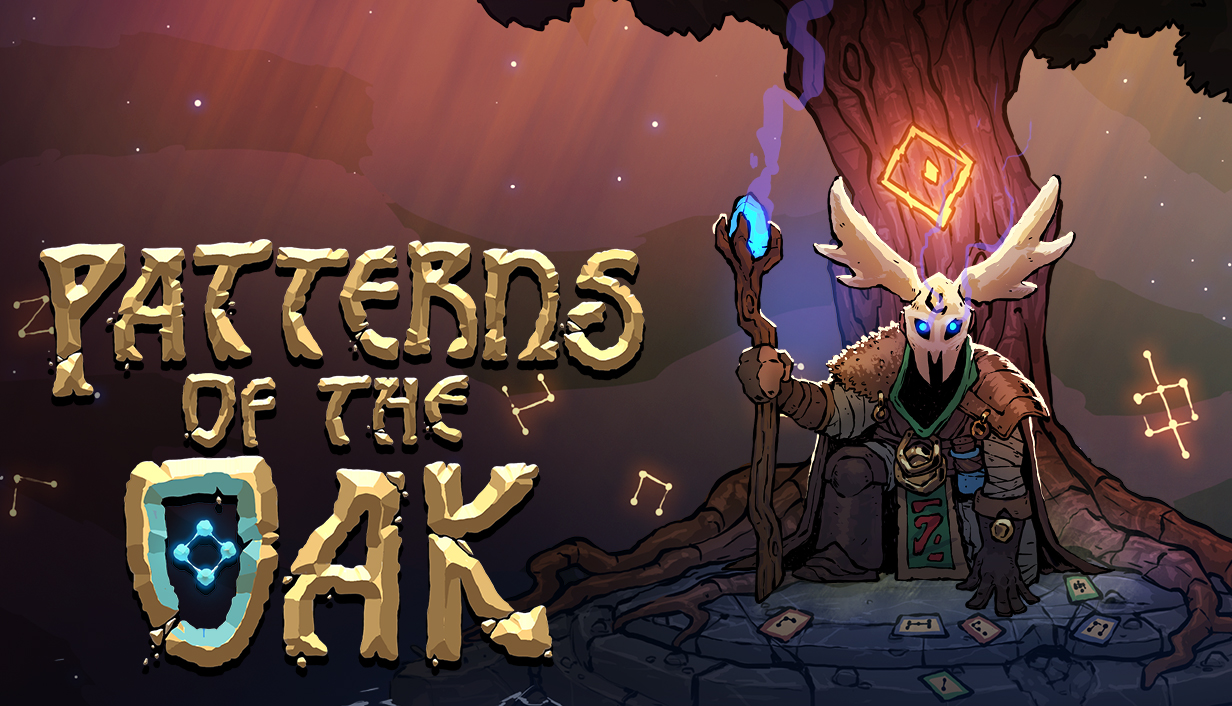
Patterns Of The Oak
A downloadable game for Windows
About
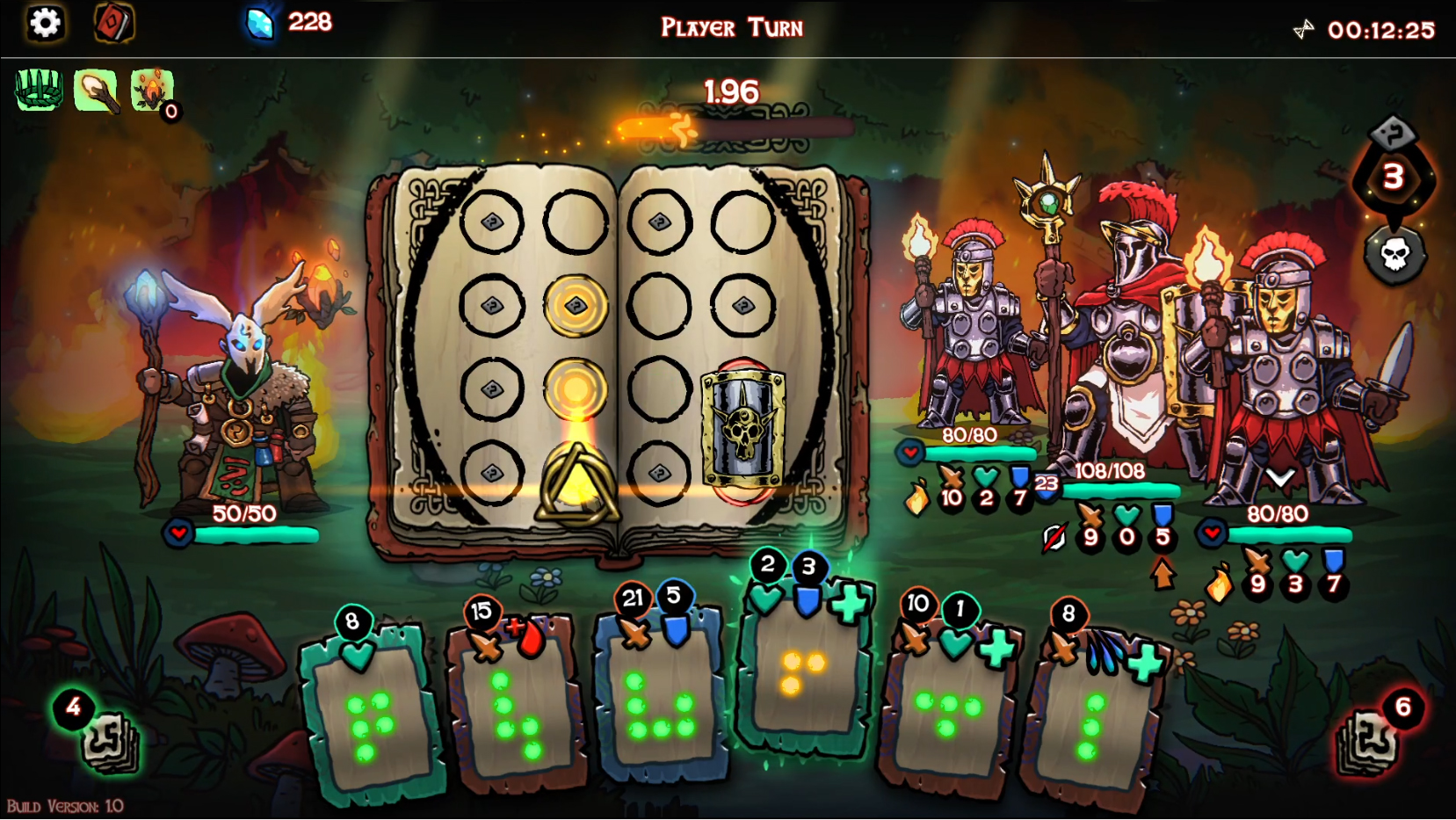
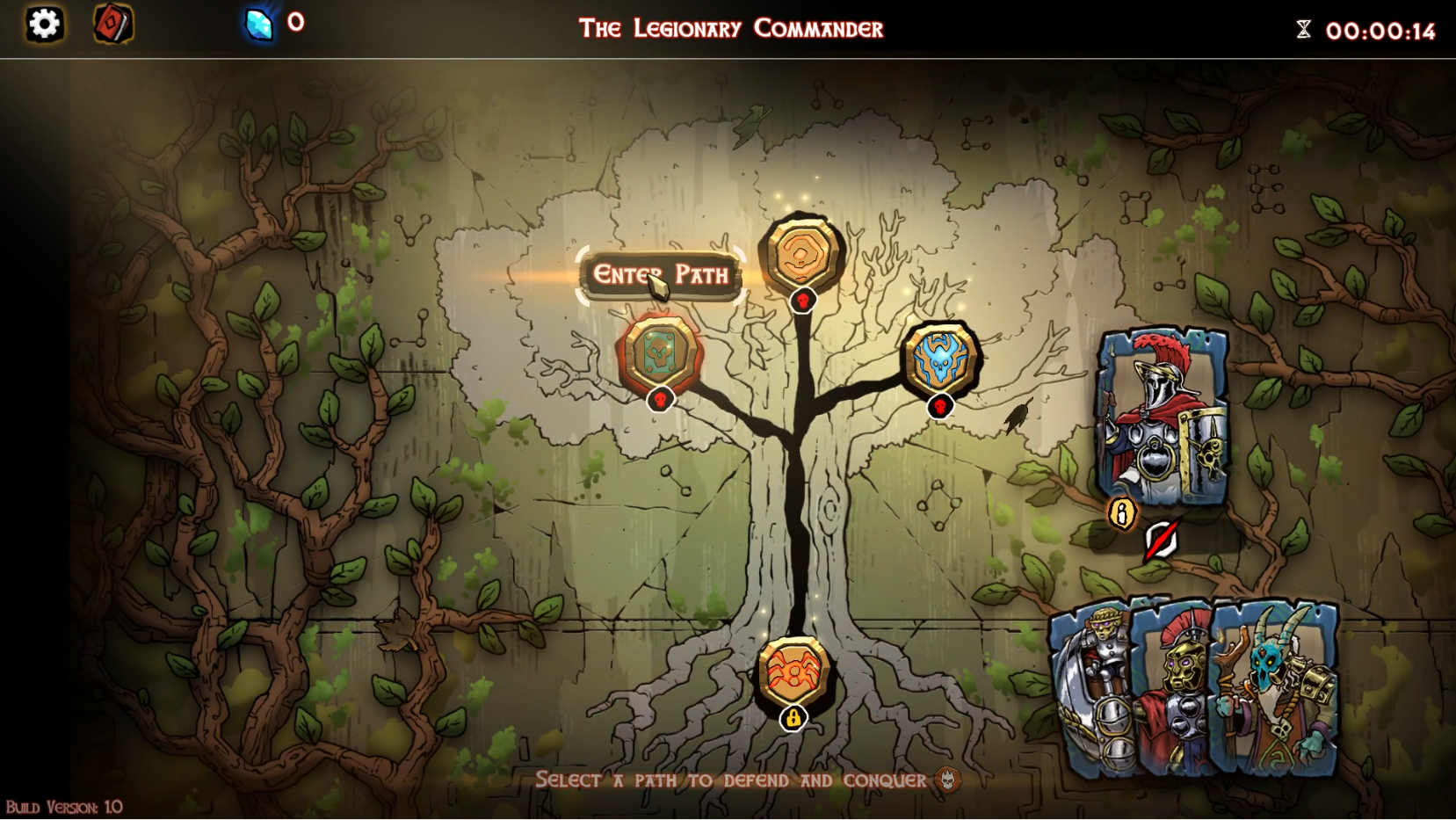
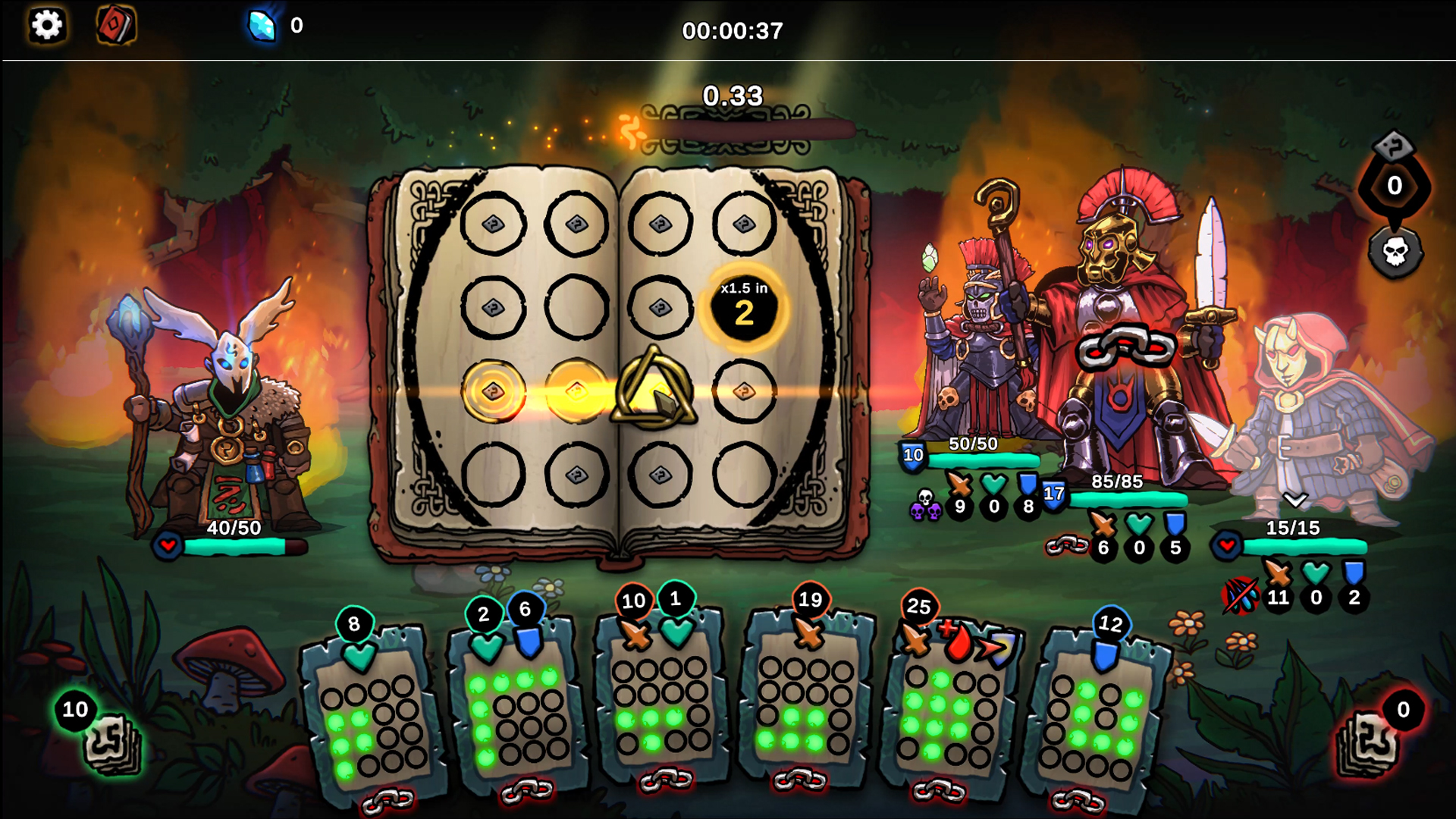
The first roguelike deckbuilder to use player skill as mana. We combined strategy and speed to create a new take on the genre. Can you cast the perfect combination before the clock runs out? Choose your own path and face relentless waves of invaders to defend the sacred oak groves.
-------------------------------------------------
Every turn is a test of quick thinking and precision, the right pattern at the right moment can turn defeat into victory, or hesitation can lead to disaster. Build your deck, hone your reflexes, and unleash the full potential of your spells against the relentless invaders and their leaders.

Features
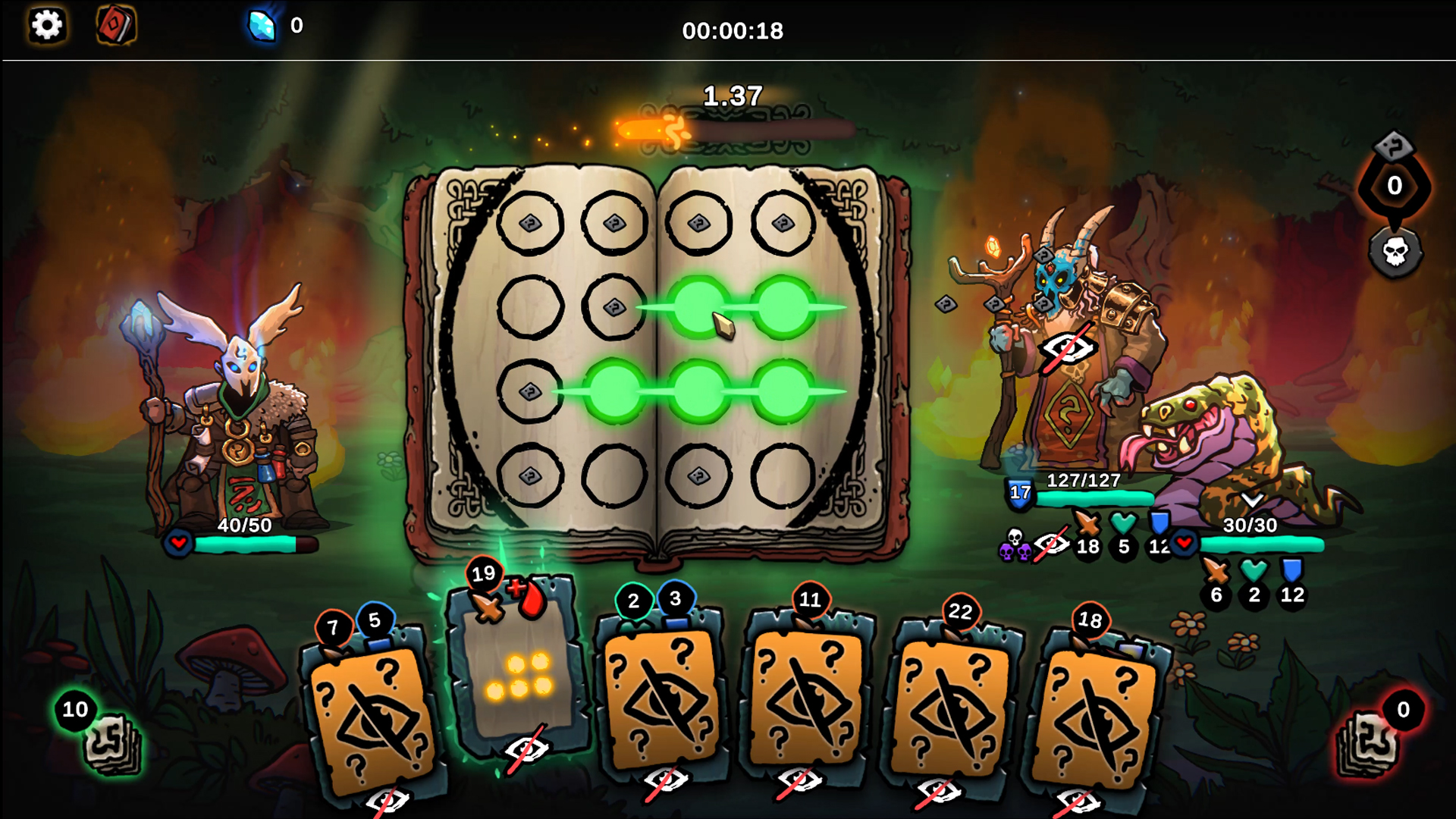
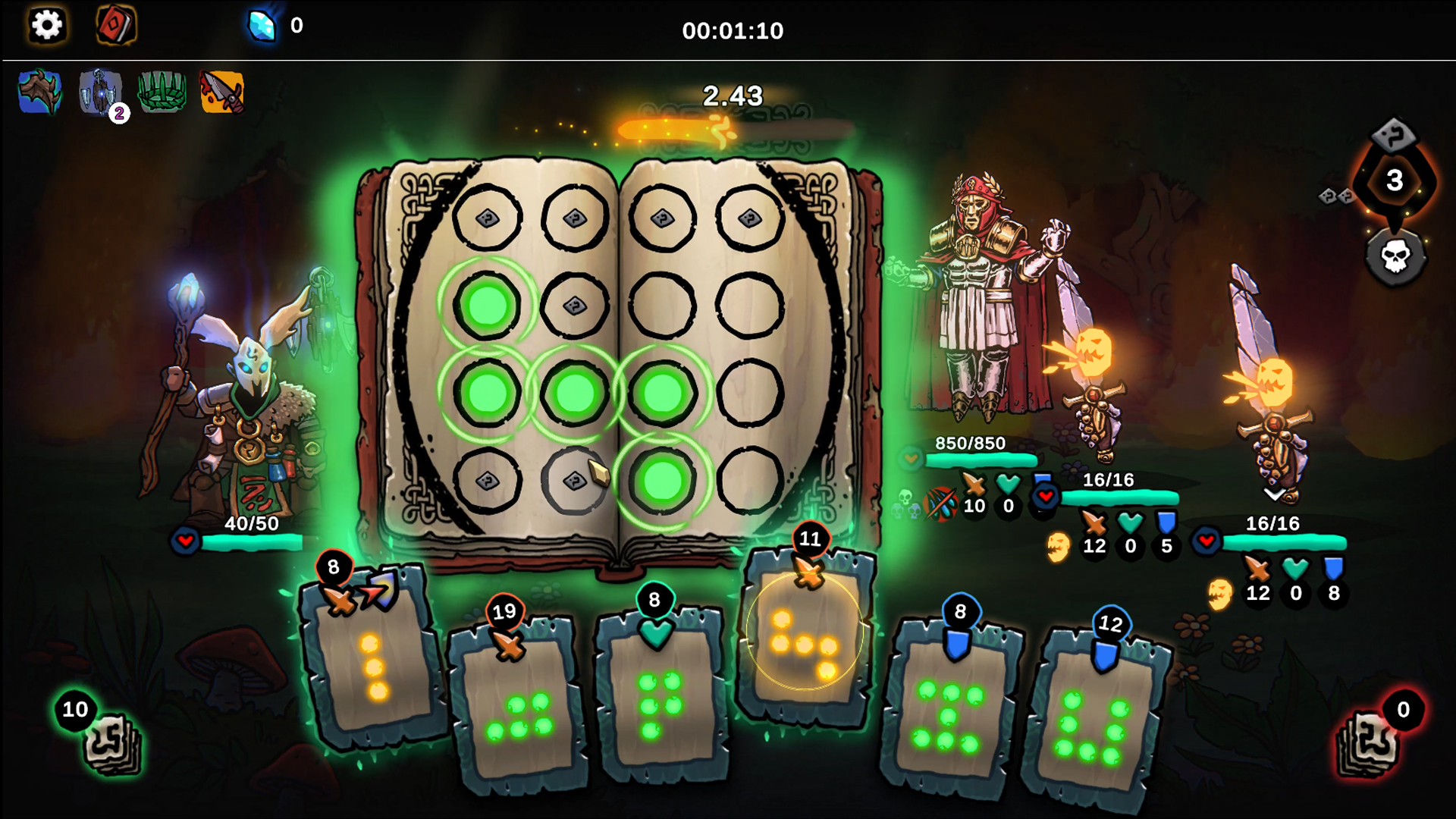
- Skill based casting: No mana costs. Cast as many spells as you can by matching their patterns before each turn’s timer runs out.
- Powerful Combinations: Chain spell abilities to supercharge every spell you cast that turn. The more unique abilities you trigger, the stronger each spell becomes.
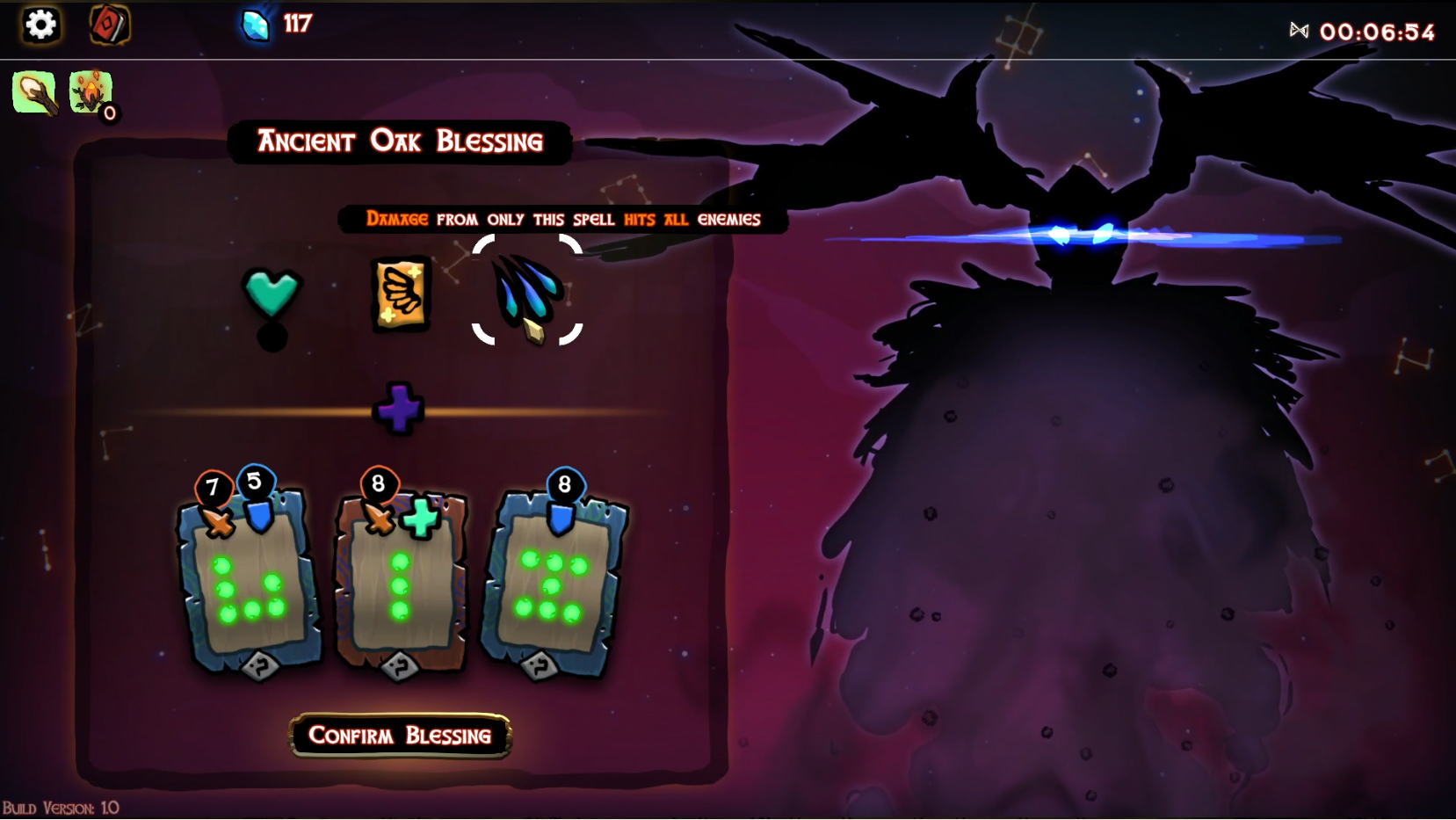
- Celestial Upgrades: Draw power from the stars to shape your deck your way. Add cards, remove the ones that don’t align with your strategy, and discover enhanceable magical items that strengthen your abilities.
- Use your spell book wisely: strategically cast around your spell book and use new nodes for each spell to debuff your enemies, or seek out multiplier nodes, where casting spells on the same spot will amplify every stat of the final spell.
Purchase
In order to download this game you must purchase it at or above the minimum price of $3.99 USD. You will get access to the following files:
Development log
- Patterns of the Oak is OUT NOW! & 30% Launch sale15 days ago
- Update & New gameplay trailer!Aug 04, 2025
- Blessing Of Gifts - Item UpdateNov 24, 2023

Comments
Log in with itch.io to leave a comment.
And I finally managed a victory in less than an hour (I tend to spend too much time picking upgrades and shopping)
I almost felt sorry for the final boss when I hit him with this...
Amazing! :D
It took me way to long to figure out what the number on the oakheart talisman means -_- The stop effect is small, but making every spell just a little stronger - and moreso the better you're doing - is a nice buff.
Also, buying and upgrading the dot spell is hilarious xD "tap screen, deal 30 damage to all enemies, gain 10 block" feels crazy, but it takes a lot of investment to get it there.
I could probably make it a bit more clear what it is, Ill have a think, but I'm glad you like the change! :)
haha nice! You can certainly start to break the game with the small node spells, hopefully in a fun way though
It's definitely fun, and feels like you have to pour a lot into a low node spell to get it to a strong point, so it's not really game-breaking (especially since you won't draw it every turn).
And the oakheart thing makes sense, I was just not thinking so I took a while to figure out the number specifically. Should really have been obvious but I was being dumb lol
Control remapping hype! O_o wasn't expecting it this soon but YES! And did you buff the default deck too? I noticed I had an "oakheart talisman" item to start with? I still lost my first normal run using it today, but that felt like it was my own stupid fault, instead of the controls fighting against me!
Thank you!
For context on "my own stupid fault" I was fighting the boss who hides your cards, and I kept not giving myself time to look and plan and just trying to rush it then forgetting what cards I had been looking at -_- absolutely my own fault losing there lol. Good times.
Awesome! Glad you like the changes :)
The gap in difficulty between a run with the high nodes deck (strongest) and the defensive deck (second) is relatively small. The gap between defensive and default (worst) is quite large. I feel like the default deck could might need a buff more than the high nodes deck needs a nerf.
I agree with this, especially since the default deck is the one most new players will pick! We’re thinking about what we can do here. We originally planned for each deck to start with a unique item, which I think would be a fun addition, but it’s unlikely to fix the balance on its own. Maybe the default deck just needs a few more “Attack All” ability spells right from the start.
If you renamed it "aggressive" and gave it more "attack all" cards, that could give it a niche of its own. Alternatively, instead of giving every deck a starting item, only do that for the default, make its unique thing that the deck is a bit weaker, but the item gives it that edge!
Hey obliviondoll, those are some great suggestions! We’ll see what we can do. Thank you!
Hello :) We've updated the build with some balance improvements, the default deck has been buffed and I've also added the input rebinding. Let me know if that works as you'd expect. Thanks!
Not sure if it's just the fact that touchpad changes what's viable, but the high nodes deck feels way stronger than the default to me. I played a bunch of runs with the default deck that ended in the first or second area, even on easy. But on easy with the high nodes deck, I won my first try, and didn't feel like it was super difficult even though I'm using a touchpad with suboptimal input settings.
Day 3 of asking for the option to rebind the click to a keyboard input?
Hey obliviondoll! I’ve had a few other reports that it’s too strong as well, and I agree. We’re having a think about ways to make it feel more balanced.
Sorry about the rebinding question, I replied in another message, so you may have missed it. I did look into it hoping it’d be an easy add, but unfortunately I ran into a few complications. It is doable though! I’m just prioritising bug fixes and balance issues for now.
I had missed that reply, yeah. Got buried in the long chain of my replies... Thanks for confirming the answer here! And I get why it's not a priority, definitely other things more important to worry about than touchpad support (I'm probably the only person trying to play this way). I'll look forward to it, but fixing bugs and balance issues should be higher on the list.
Good to hear that the high nodes deck being strong is common feedback, and not just my control choice that makes it feel that way xD
So... new update has improved things! There's a 2k resolution now, which is nice. But there's also a 640x360 resolution, which is the new resolution the game resets to on launch and randomly sometimes at the end of a run.
It does so in a window, so it won't break other things like I was seeing before, but I'd still say it's less than ideal for the game to be changing its resolution like that. Also, that small a window on a 15" laptop monitor is kind of hilariously tiny xD
Hey! Oh wow, it really does, sorry about that! I’ll get that sorted today. Thanks for letting me know!
I had uploaded the build but wanted to do a bit more testing before updating you… looks like you beat me to it
I had good timing, apparently xD
So... the game launches in dedicated fullscreen 1080p, poorly implemented such that it resets everything on my PC into that resolution before enabling the (default) borderless state which, if it was actually being treated as a proper default, would prevent it from breaking every single window I have open any time I launch the game.
That's not a game-breaking issue, but it is a frustrating one. And hopefully fixable, because it's kind of annoying to have to deal with that.
Also, and also not a huge deal, it would be nice to have an option to map a keyboard input as the "click" function. Probably doesn't affect many people, but I often play games on my laptop in situations where I don't have access to a mouse. If I could prevent an accidental tap on my touchpad from triggering the "you started a spell" input, that would be nice. Also, having to double-tap and hold while moving, ot click down onto the touchpad while moving, is awkward. Being able to remap the click input from the mouse button onto a key on the keyboard would solve both problems.
Also, you could do with having a 2k resolution for the game, since it currently jumps from 1080p to full 4k with no in-between for people with resolutions in between those extremes. And for windowed mode, your game resolutions aren't actually properly supporting the game being in a window, the 1080p windowed resolution is an actual 1080p resolution, not one with appropriate cutoffs to fit in a window on a 1080p monitor.
Hey, thanks so much for the detailed message! Sorry for the issues you’re running into, I’ll make sure to bump these up our priority list. Just to clarify, you’re reporting the following:
The game defaults to fullscreen but you'd like borderless fullscreen on startup
Add missing 2560×1440 resolution option
Windowed resolutions exceeding the actual resolution due to window borders
Thanks again for taking the time to let us know, it’s really appreciated!
The first point here is weirder than just "the game defaults to fullscreen" because it doesn't. It defaults to borderless, which is good. The issue is that the borderless setting doesn't remain consistently borderless. While borderless fullscreen is selected, the game's loading screens - including the one which appears on launch - cause it to enter dedicated fullscreen instead of borderless. When it does this, it also resets the system resolution to its default setting (in my case, 1080p). If that resolution is smaller than your system's normal resolution, this reset is applied to the background, and deforms any window which is too large to fit in the new resolution, shrinking and distorting them in weird ways. This is particularly problematic on apps with fixed-ratio windows, which it can deform in ways which break the app, and maximised windows, which often get repositioned awkwardly while trying to reset them into a proper maximised state.
EDIT: Turns out the problem is worse than I realised. No matter what, the game sometimes randomly sets itself to dedicated fullscreen when you finish a run, or when you're on a loading screen for something else, then resets itself into borderless. And yes, this has all the problems mentioned above with the fullscreen mode forcing your system resolution to change and breaking any windows open in the background.
Oh, and on top of the issues you listed, there's also the "please add an option to map the mouse click functions onto the keyboard" question to be answered. Not a big deal, but this would make laptop touchpad controls more comfortable.
Once I get through a few other issues on my list, I’ll take a look at adding interaction rebinding :)
Really cool concept and gameplay, only problem i'm having is not being able to select a card after i choose a buff when upgrading cards... other than that, it's great, love it, would trace patterns on oak again!
Hey Star, thanks for the lovely feedback! We'll get that fixed asap :)
Not sure if supported but lags badly in mobile making drawing very difficult. Very nice visuals. Also both menus on the tool bar can be open on top of eachother.
Hey! thank you very much for playing and giving feedback :) We've only tested on higher end mobile devices so that's good to know. Going forward we'll probably focus on PC only for now.